Unified itinerary
Every booking. In one place. In order.
Flights, stays, trains, and vehicle rentals on a single chronological timeline, with your visas and travel authorizations checked alongside. No app-switching. No inbox-spelunking. No calendar entries to maintain by hand.
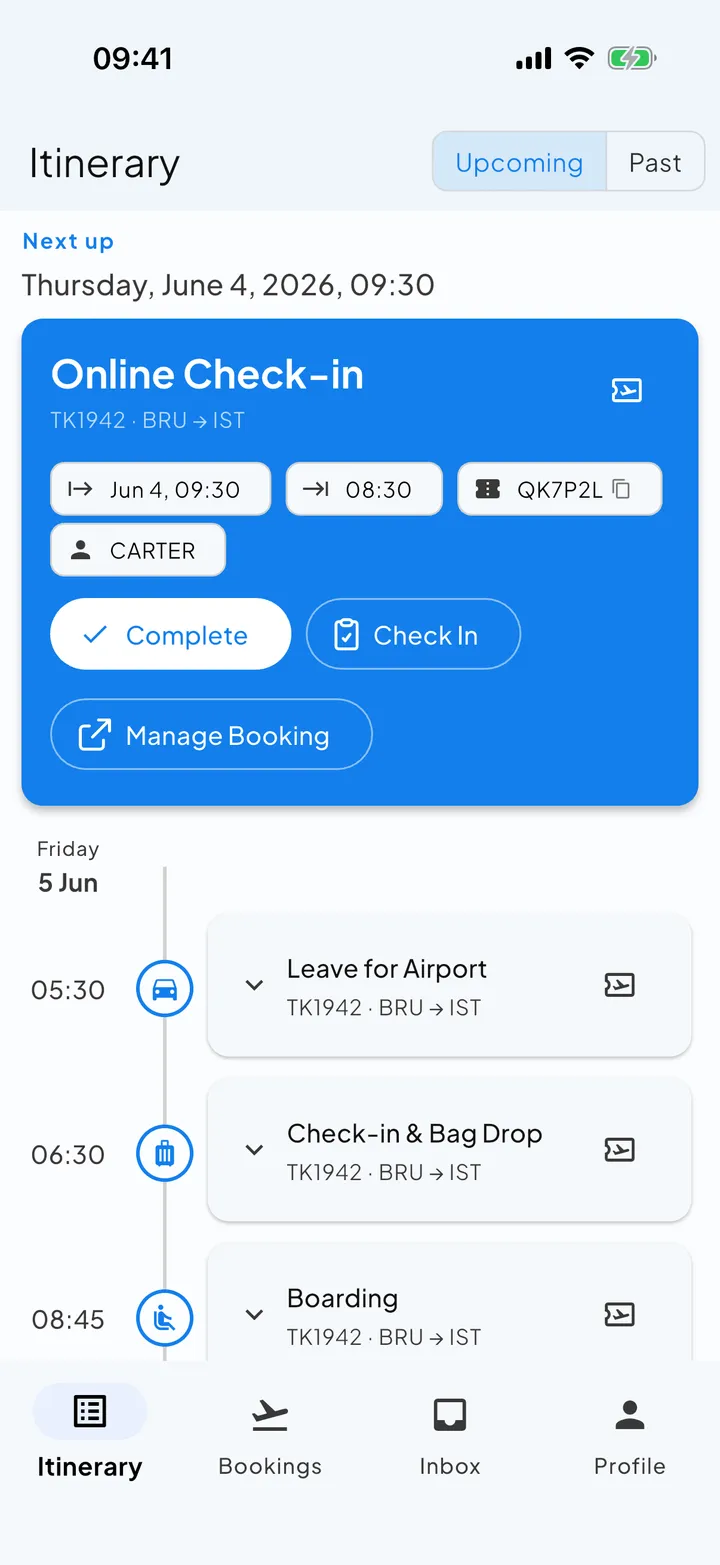
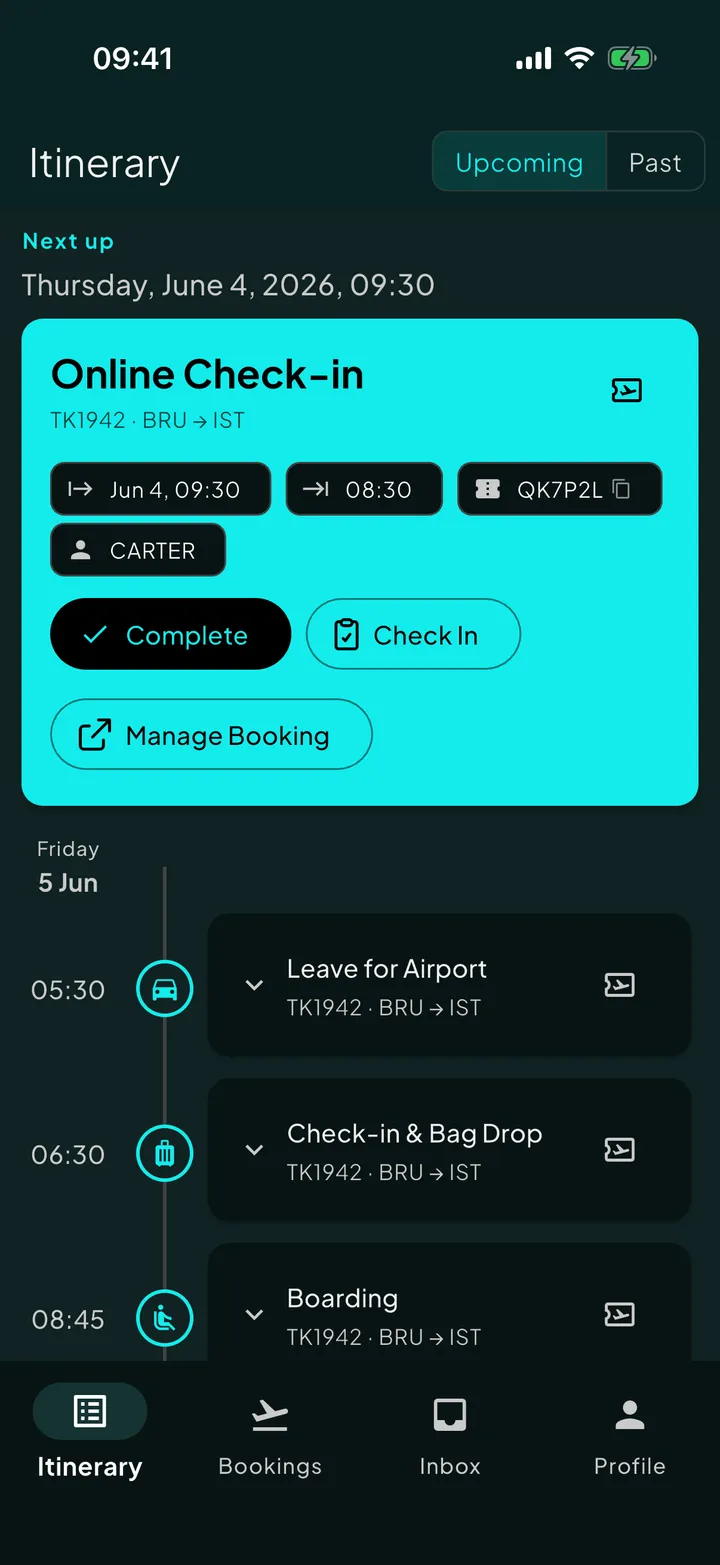
Travel info goes everywhere. It almost never comes back together.
Three flights from one airline, two from another. An Airbnb confirmed in Gmail and a hotel confirmed in Outlook. A car rental in a third inbox because that’s where loyalty points live. A visa appointment in a calendar invite. A rebooked outbound that arrived as a separate thread.
Some of it lives in airline apps. Some in calendar entries. Some in screenshots. Most of it lives in email, and email is the worst place for it, because the only way to find anything is to remember which sender used which subject line.
One timeline. Every booking on it.
Skaoot reads each forwarded confirmation email and places the booking on your timeline in chronological order, in the order things happen, not the order you booked them.
A flight to Lisbon, two stays there, a train to Porto, and a return flight three weeks later all land on the same timeline, in the order they happen, not as separate entries you scroll between to piece things together yourself.
Booking types
- Flights: any airline, any number of legs
- Stays: hotels, Airbnb, Booking.com, VRBO, coliving, boutique
- Trains: any operator, with seats, tickets, and stations
- Vehicle rentals: cars, campervans, and motorcycles, from pickup to deposit release
- Visas, travel authorizations, and arrival cards
- Ferries and ground transfers Soon
- Event and activity tickets Soon
- Restaurant reservations Soon
Today, Skaoot fully supports flights (up to twelve events each), stays, trains, and vehicle rentals, and checks every trip against your passports, visas, and travel authorizations. Forward a ferry, activity, or restaurant booking and the email is saved to your Skaoot inbox; structured bookings and timeline events for those types are coming.
One timeline, read in context.
Other tools leave your bookings as a flat list. Skaoot places every booking on a single chronological timeline, and because every event sits in order with the ones around it, the timeline does things a flat list can’t:
Tell you when to leave for the airport based on real travel time from your stay
Show you drive time to the door when you land
Warn you about a tight connection with the same-terminal indicator and transit time
Surface the right detail at the right moment, because what’s coming next is already on the timeline
See how Skaoot uses timeline context to surface what matters next
Every event traces back to its source.
Skaoot’s timeline isn’t a dead end. Every event links back to the booking it came from, and every booking links back to the original emails Skaoot read to build it, attachments included.
Timeline event
e.g. “Check-in”
The booking
structured detail
Source email
+ attachments
So when the immigration officer asks to see your accommodation confirmation, you don’t search your inbox at the desk. You tap from the event you’re on, to the booking, to the original Airbnb email, and show them. The source of truth is always a short path away.
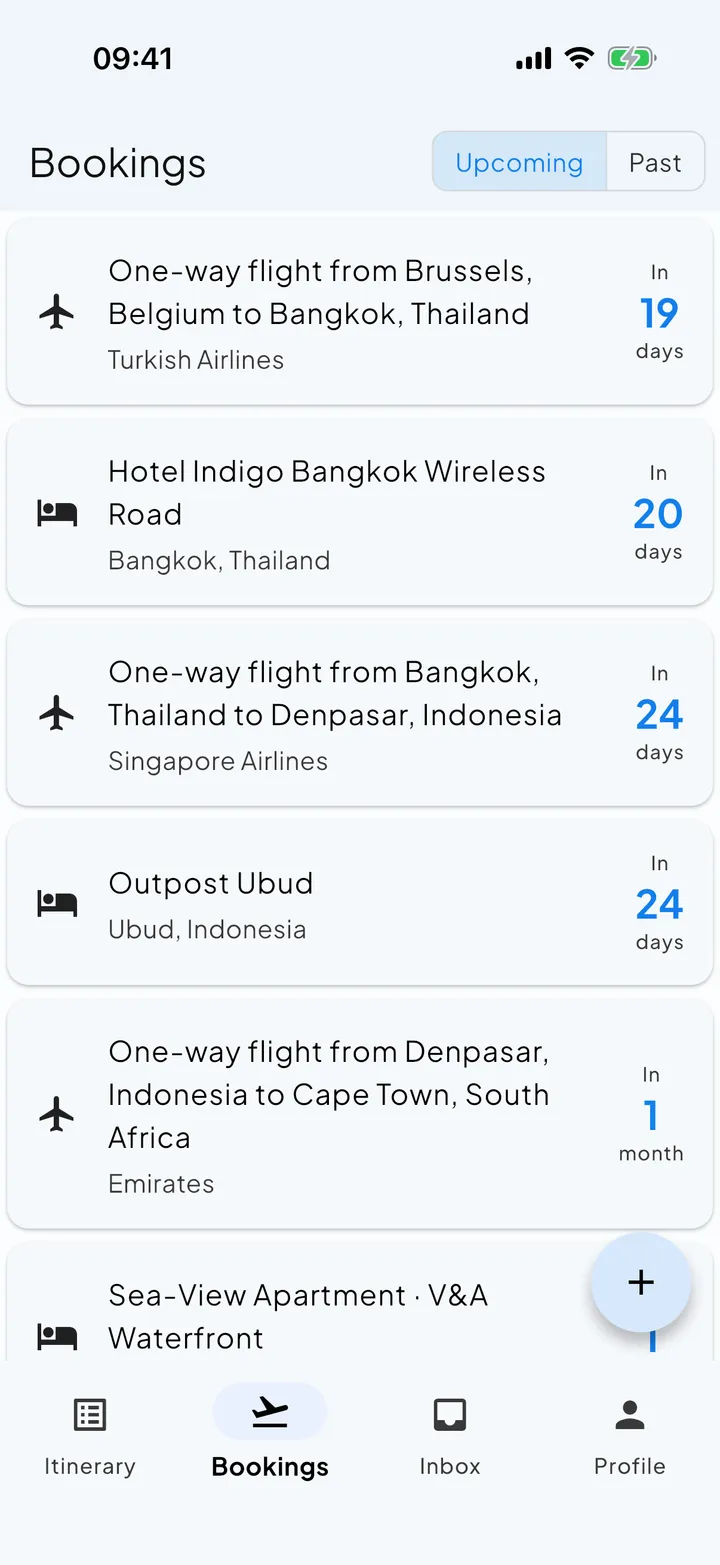
See your itinerary take shape.
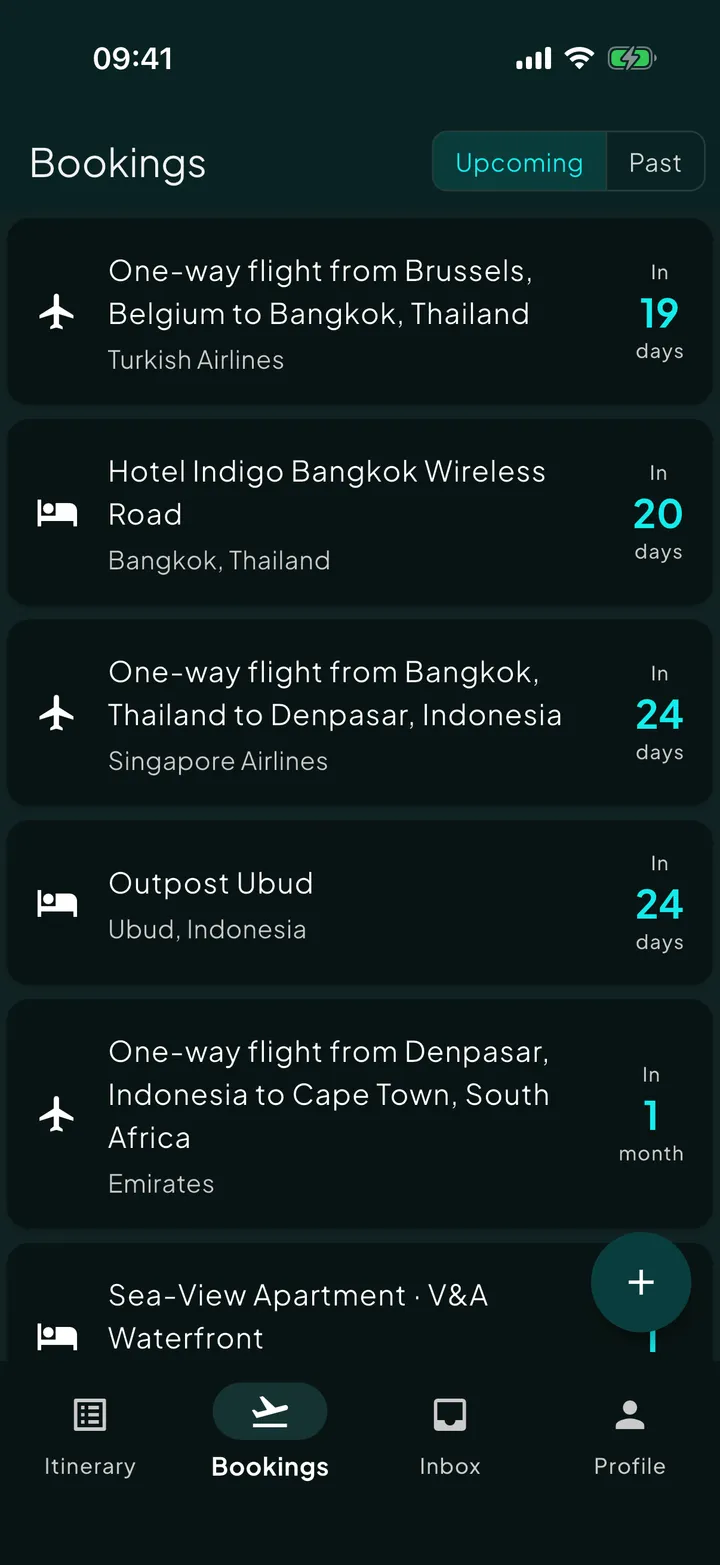
One timeline. Five bookings. Twelve events. Zero apps to switch between.
Common questions
How does Skaoot build my itinerary?
Do I have to organize my bookings into trips?
Which booking types show up on the timeline?
Can I get back to the original booking email?
Related capabilities
See all featuresLive flight tracking
Every flight on your timeline updates in real time.
Read moreAccommodation, enriched
Stays arrive with door codes, amenities, and access info already pulled in.
Read morePlans change. Your itinerary keeps up.
Updates merge into the existing booking instead of duplicating it.
Read more